
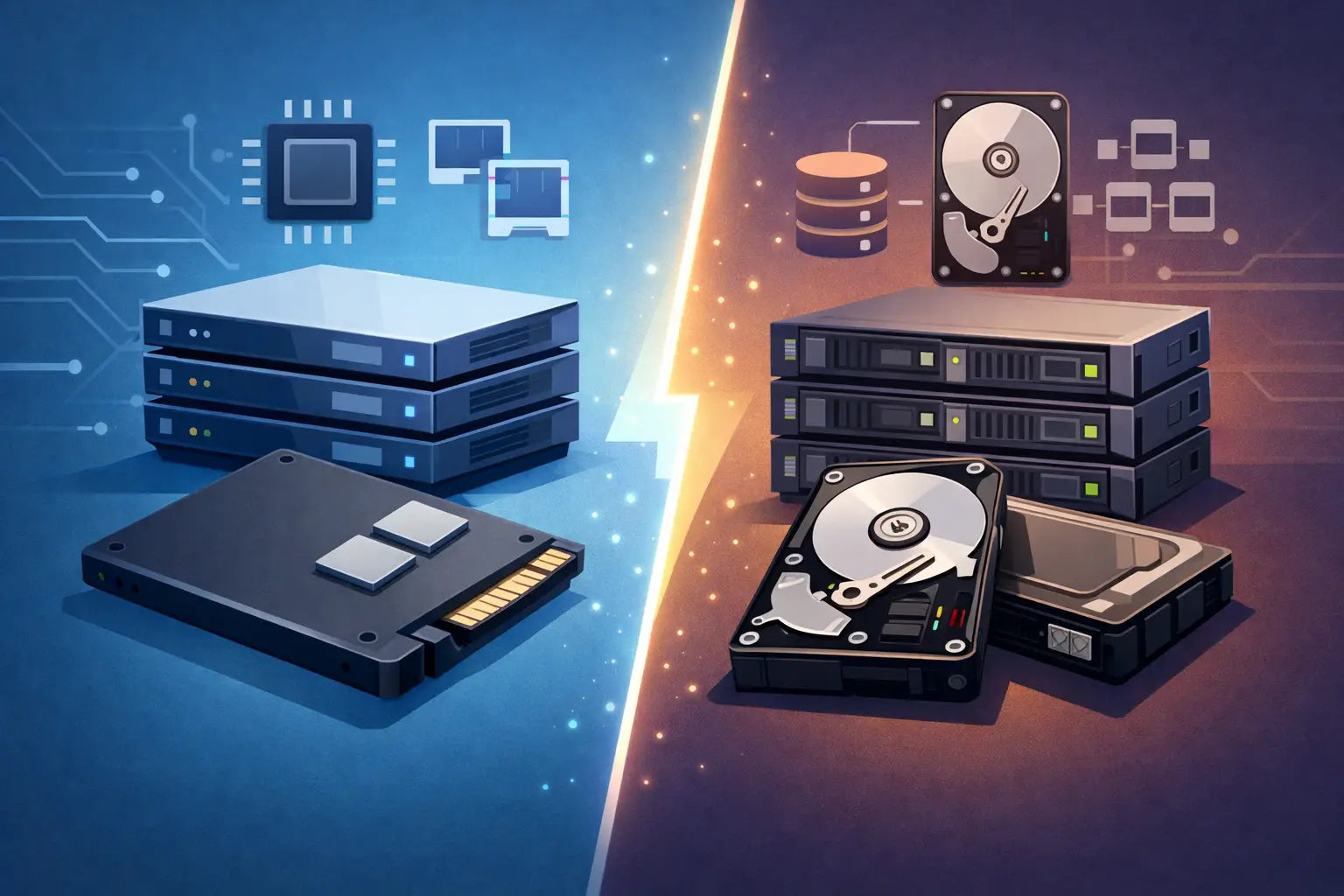
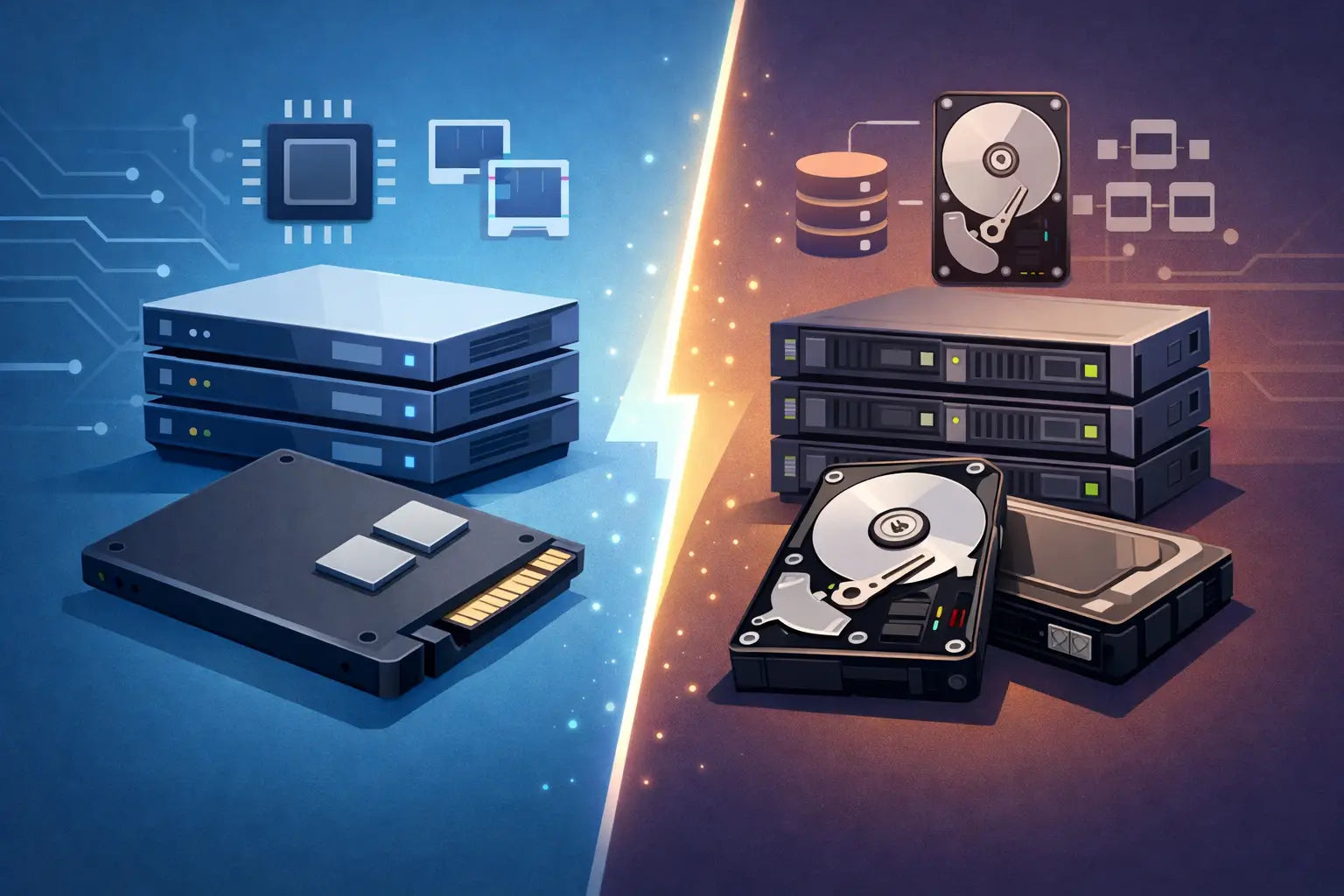
A storage refresh is rarely a question of fitting the fastest drive available. In a production HPE ProLiant or Dell PowerEdge server, the server SSD vs SAS storage decision affects controller compatibility, RAID behaviour, usable capacity, replacement availability and the cost of keeping a platform in service for several more years. The correct choice starts with the workload and the existing server configuration, not a headline IOPS figure.
There is also a terminology issue worth resolving early. SSD describes the storage media, while SAS describes an enterprise drive interface and protocol. A server can therefore use a SAS SSD. In practical procurement terms, the comparison normally means solid-state drives for performance-sensitive workloads versus 10K or 15K SAS hard drives for economical, high-capacity enterprise storage.
Server SSD vs SAS storage: the practical distinction
SAS hard drives remain common in established HPE Gen9, Gen10 and Dell Gen12 to Gen14 estates. They provide predictable enterprise operation, dual-port capability in suitable backplanes and storage controllers, and useful capacities for bulk data, backups and less latency-sensitive virtual machine storage. A 10K SAS disk is slower than flash, but it is proven, widely supported and often cost-effective where the array needs many terabytes rather than extreme transaction performance.
Enterprise SSDs remove the mechanical limits of spinning media. Latency falls substantially, random read and write performance increases, and RAID rebuilds can complete far more quickly where the controller and array design are appropriate. These benefits are particularly relevant to virtualisation hosts, database servers, email platforms, VDI deployments and applications with a large number of small random I/O operations.
The distinction is not simply SSD good, HDD bad. A file archive with modest concurrent access may gain little from an all-flash configuration, while consuming budget that could have funded extra RAM, a controller cache upgrade or a second host. Conversely, adding more 10K disks to resolve a random-write bottleneck can increase power, heat and spindle count without delivering the response-time improvement users need.
Start with the workload, not the drive bay
For virtualisation, identify whether storage latency is constraining the host. High datastore latency, guest operating system queueing and slow application response under peak load point towards SSDs. Flash is especially effective where the existing array is limited by random I/O rather than raw capacity.
For SQL, ERP and other transactional systems, write endurance matters as much as performance. Enterprise SSDs are specified by endurance ratings such as drive writes per day and total bytes written. A read-intensive SSD may be suitable for reporting or boot volumes but unsuitable for a write-heavy database log volume. Match the drive's endurance class to the actual write profile and retention period.
For backup repositories, surveillance retention, large file shares and archive data, SAS HDDs frequently remain the sensible option. Capacity per pound is typically better, and sequential throughput can be adequate when the workload is designed around larger transfers. If the backup window is tight, a smaller SSD tier for active backup staging can be more effective than converting the entire repository to flash.
Boot volumes deserve separate consideration. Mirrored enterprise SSDs are often a straightforward upgrade for operating systems and hypervisor installations. They reduce boot and patching times, leave the main drive cage available for application storage, and avoid allocating high-capacity SAS disks to a job that needs little space.
Interface, form factor and controller compatibility
Before ordering replacement or upgrade drives, confirm the interface in the server's backplane. A SAS backplane generally supports SAS and SATA drives, subject to controller support, but a SATA-only configuration will not accept SAS drives. NVMe is different again: it requires NVMe-capable bays, backplane hardware and system support. An NVMe SSD will not operate in a standard SAS/SATA drive bay simply because the carrier looks similar.
HPE Smart Array and Dell PERC controller generations also influence the available choices. Check the controller model, firmware level, cache configuration and supported logical-drive features. Older controllers can impose practical limits on drive capacity, sector format or SSD support. Some controllers are well suited to hardware RAID with SAS drives and SAS SSDs, while an HBA or software-defined storage design may be preferable for platforms using ZFS, Ceph or similar storage stacks.
Form factor is equally important. HPE and Dell 2.5-inch small-form-factor bays commonly take 2.5-inch SAS or SATA drives in the correct manufacturer carrier. Large-form-factor systems require 3.5-inch drives or compatible adapters and carriers. Do not treat a bare drive as a complete server-ready item: caddy type, interface, drive firmware and part number all matter when maintaining a standardised estate.
Sector format should be checked on refurbished enterprise drives. Most server deployments expect 512e or 4Kn formats compatible with the controller and operating system. A drive configured with an unexpected sector size can appear unavailable or create unnecessary commissioning work. The same applies to drives formerly used in storage arrays, where firmware and formatting may differ from standard server use.
RAID changes the cost and performance calculation
An SSD array does not remove the need for an appropriate RAID design. RAID 1 remains a practical choice for boot volumes and small database deployments. RAID 10 is commonly preferred for latency-sensitive workloads requiring strong write performance and fast rebuild characteristics. RAID 5 and RAID 6 provide better capacity efficiency, but their write penalty and rebuild exposure need proper consideration, especially on heavily used arrays.
With spinning SAS disks, RAID 10 often provides more consistent random-write performance than parity RAID. With SSDs, the performance gap may narrow for reads, but parity calculations, controller capability and write endurance still apply. Flash is fast enough to expose bottlenecks elsewhere, including an under-specified RAID controller, disabled cache protection, older SAS links or limited network connectivity.
Mixing SSDs and SAS HDDs in one RAID group is generally a poor design. The array performs to the characteristics of its slowest members and complicates fault replacement. If both media types are required, create separate logical tiers: SSDs for active virtual machines, databases or cache-heavy applications; SAS HDDs for capacity-oriented data. This also makes future expansion and replacement easier to manage.
Reliability is about the whole storage path
Enterprise SAS HDDs are built for continuous server use, but mechanical failure remains a normal operational risk. Their advantage is not immunity from faults; it is predictable integration into enterprise backplanes, controllers and monitoring tools. Keeping a compatible spare on site can be more valuable than a marginal saving on a drive that cannot be sourced quickly.
Enterprise SSDs have no moving parts, but they are not maintenance-free. NAND cells have finite write endurance, and SSD health should be monitored through controller tools, operating system alerts and drive wear indicators. A drive at high wear percentage may still be functioning, yet it should trigger planned replacement rather than waiting for a fault event.
Power-loss protection is another material distinction. Enterprise SSDs designed for server use typically include capacitors to protect in-flight data during an unexpected power interruption. Consumer SSDs may offer attractive capacity and read figures but are rarely an appropriate substitute in a write-sensitive RAID array. For business systems, use enterprise-grade drives with known endurance, firmware provenance and compatibility.
Cost should be measured over the upgrade period
SAS HDDs usually deliver the lower acquisition cost per terabyte. They are a sensible route when expanding a storage pool for bulk data or extending a proven server platform with compatible, readily available drives. Refurbished enterprise SAS drives can make this especially attractive for systems where supportable capacity matters more than low latency.
SSDs cost more per terabyte, but their operational value can be substantial. Fewer drives may satisfy an IOPS requirement, which can reduce bay consumption, power draw and cooling load. Faster rebuilds can also reduce the period in which an array is degraded. For an MSP supporting multiple client estates, these factors can matter as much as the drive price when downtime has a direct service cost.
Avoid sizing solely for current consumption. Leave capacity headroom for snapshots, RAID overhead, virtual machine growth and SSD over-provisioning. A nearly full array performs less predictably and is harder to maintain during a drive replacement. Equally, do not buy large SSDs simply to create unused space where a smaller flash tier plus SAS capacity tier would meet the requirement more efficiently.
A sensible specification process
For any HPE or Dell storage upgrade, establish four facts before selecting drives:
- the server model, generation, drive cage type and installed controller;
- the workload's capacity, random I/O, sequential throughput and write-endurance requirements;
- the intended RAID level, usable capacity after protection and future expansion requirement;
- the exact interface, form factor, carrier and firmware compatibility of the replacement drive.
KahnServers can help source compatible enterprise drives for established HPE and Dell platforms, but the strongest outcome comes from providing the current server configuration and intended workload at the outset. A matched replacement SAS disk may be the right answer for a failed member in an existing array; a planned SSD tier may be the better answer for an application that has outgrown the performance of that array. Specify for the bottleneck you actually have, retain a compatible spare where the service demands it, and let the storage design extend the useful life of the server rather than create the next constraint.