
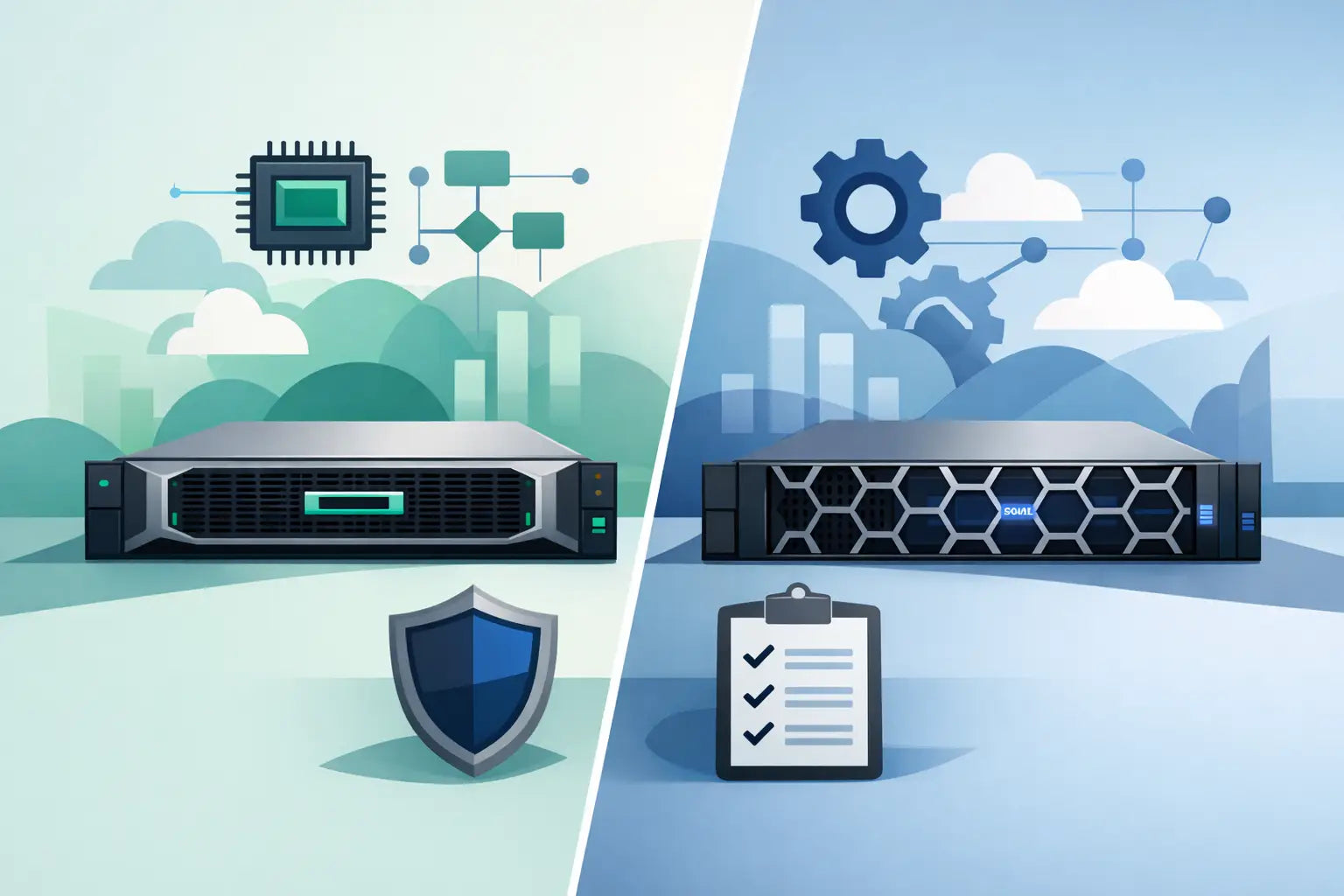
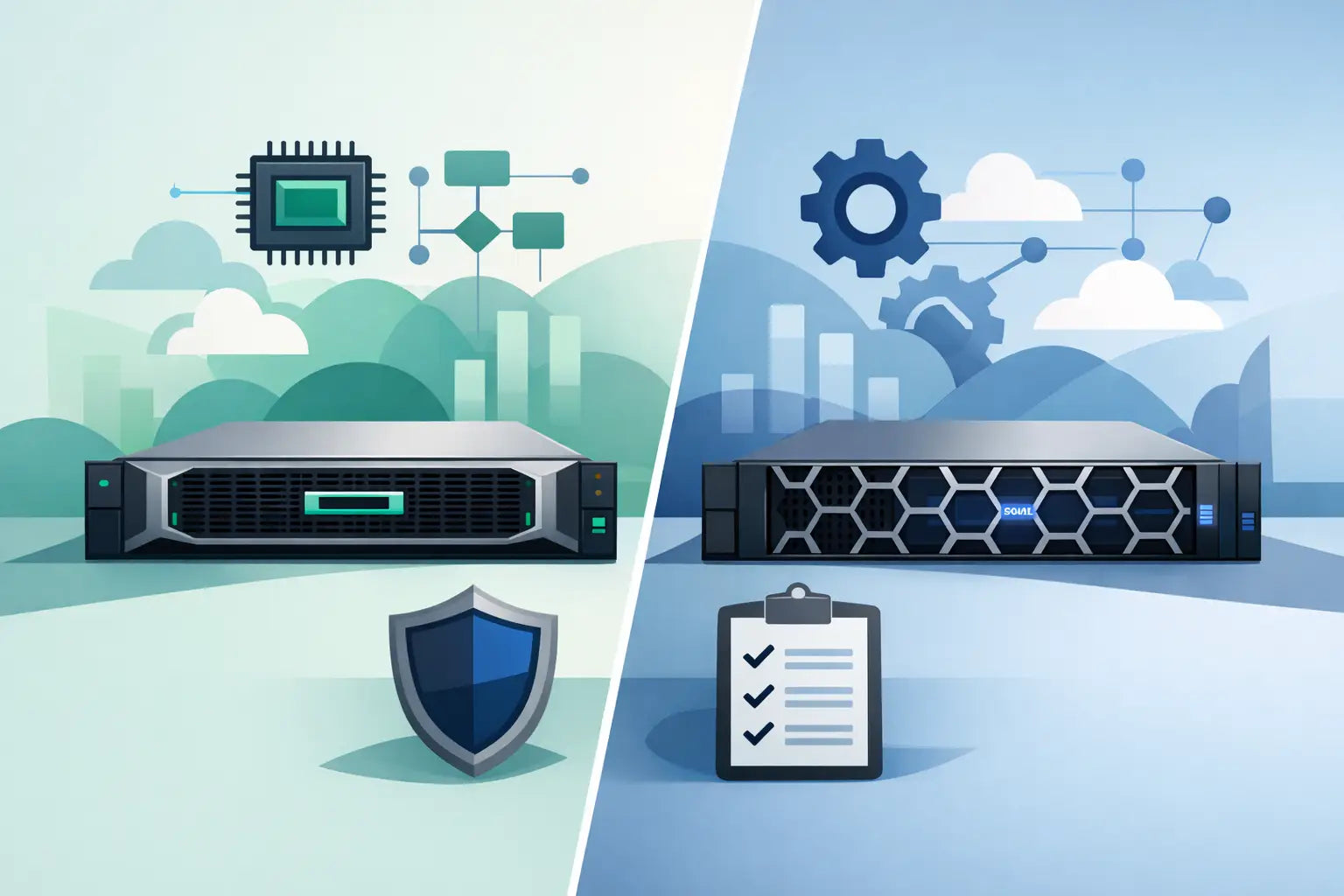
A like-for-like HPE Gen10 vs Dell Gen14 comparison normally starts with the HPE ProLiant DL380 Gen10 and Dell PowerEdge R740. Both are 2U, two-socket platforms built around Intel Xeon Scalable processors, DDR4 ECC memory and flexible local storage. For many estates, the decision is less about headline performance and more about matching the platform to existing spares, management tooling, rack constraints and upgrade plans.
These generations arrived in broadly the same period and remain practical choices on the refurbished market. A correctly specified system can support virtualisation, line-of-business applications, backup repositories, database workloads, file services and general compute without the acquisition cost of current-generation hardware.
HPE Gen10 vs Dell Gen14: the direct comparison
HPE Gen10 refers to the tenth generation of HPE ProLiant servers. Dell Gen14 refers to Dell EMC's fourteenth-generation PowerEdge range. Neither label identifies one exact specification: processor family, drive chassis, RAID controller, network adapters, risers and power supplies can materially change the capability of an individual server.
The closest common comparison is the DL380 Gen10 against the R740, although the HPE DL360 Gen10 and Dell R640 are comparable 1U options. For storage-heavy deployments, the HPE DL380 Gen10 can also be assessed against the Dell R740xd. It is worth comparing the actual chassis and fitted components rather than choosing solely by generation name.
Processor support and compute density
Standard HPE Gen10 and Dell Gen14 platforms support 1st and 2nd Generation Intel Xeon Scalable processors, depending on BIOS, system board and configuration. This includes Bronze, Silver, Gold and Platinum CPUs. Dual-processor configurations offer substantial core density for VMware, Hyper-V, Proxmox, SQL Server and multi-tenant application workloads.
The practical buying point is CPU selection, not the badge on the front bezel. A pair of lower-core Silver processors may suit a light file server or backup appliance, while Gold CPUs with higher core counts and cache are generally a better fit for virtual machine hosts. Clock speed, core count, licensing model and memory population should be assessed together. A high-core configuration can reduce socket count requirements, but it may increase software licensing costs where licensing is charged per core.
Both platforms use DDR4 Registered DIMMs and Load-Reduced DIMMs, with supported capacity dependent on CPU generation and memory type. In typical dual-socket builds, each can be configured well beyond the requirements of most small and medium business workloads. Memory channel population matters: evenly populating channels per processor produces better bandwidth and avoids buying a large capacity figure with an inefficient DIMM layout.
HPE Gen10 Plus is a separate consideration. Gen10 Plus models use 3rd Generation Xeon Scalable processors and introduce PCIe Gen4 support. They should not be treated as directly equivalent to standard Gen10 systems. Likewise, Dell's later 15th-generation range moves the comparison forward again.
Storage layout and controller choices
Storage is often where the DL380 Gen10 and R740 differ most clearly at configuration level. Both can be supplied with small form factor 2.5-inch bays, large form factor 3.5-inch bays, SAS, SATA, SSD and NVMe options. The exact bay count, backplane type and NVMe capability are chassis-specific, so they need checking before purchasing drives or expansion kits.
An HPE DL380 Gen10 may be configured with front small form factor bays for dense SSD or SAS storage, or large form factor bays for capacity-focused SATA or SAS drives. The Dell R740 follows a similarly flexible approach, while the R740xd is frequently selected where high internal drive count is the priority. For backup, archive and surveillance-related storage, a large form factor chassis can provide a lower cost per terabyte. For virtualisation or transactional workloads, small form factor enterprise SSDs are usually the more appropriate route.
Controller selection should follow the workload. HPE Smart Array controllers and Dell PERC controllers are established RAID options, but their cache, battery or capacitor protection, SAS generation and supported RAID levels vary by model. A hardware RAID controller makes sense for conventional RAID arrays where controller-managed cache is required. A HBA or pass-through arrangement may be preferable for ZFS, software-defined storage or operating systems that need direct visibility of individual disks.
Do not assume that every front bay accepts NVMe drives. NVMe support may require the correct backplane, cabling, PCIe enablement and drive carrier arrangement. This is a common point of confusion when upgrading refurbished servers.
Expansion, networking and GPUs
Both server families provide PCIe expansion through riser assemblies, allowing additions such as 10GbE or 25GbE NICs, Fibre Channel HBAs, SAS expansion cards and selected GPU accelerators. The available slot count and lane allocation depend on the installed risers and whether one or two processors are fitted.
For a conventional virtualisation host, dual-port 10GbE is often the sensible baseline, particularly where shared storage, backup traffic and live migration operate on the same estate. A server used for remote office services may require no more than integrated 1GbE and a separate management connection. The right network configuration is determined by the switching environment as much as by the server.
GPU support requires closer validation. Power availability, GPU power cables, risers, airflow shrouds and approved card type can all affect whether a particular chassis is suitable. Neither a DL380 Gen10 nor an R740 should be bought for GPU compute on the assumption that any PCIe graphics card will fit and operate correctly.
Management: iLO 5 versus iDRAC9
HPE Gen10 uses Integrated Lights-Out 5, while Dell Gen14 uses iDRAC9. Both provide remote console access, hardware health monitoring, virtual media, firmware management and out-of-band administration. For IT teams managing multiple sites or limited-access racks, either controller is a significant operational benefit over consumer-grade hardware.
The better choice is usually the one aligned with the current estate. Teams already using HPE OneView, iLO templates and HPE firmware workflows may prefer to standardise on ProLiant. Teams with existing Dell OpenManage processes, iDRAC configuration profiles and PowerEdge spares may gain more from staying with Dell.
Licensing levels need checking on individual systems. Some remote management functions, including advanced console or virtual media features, may require an HPE iLO Advanced licence or Dell iDRAC Enterprise licence. Treat the licence as part of the server specification, not an assumed inclusion.
Refurbished cost, spares and lifecycle planning
On the refurbished market, the strongest value normally comes from buying a base server with the correct chassis, processor generation and expansion capability, then specifying memory, drives, RAID and networking to suit the deployment. Paying for an unsuitable factory-style configuration can leave costly components unused.
HPE Gen10 can be the more economical route where an organisation already holds HPE drive caddies, Smart Array controllers, compatible memory or ProLiant spares. Dell Gen14 can deliver the same advantage for estates standardised around PowerEdge R740 or R640 hardware. Keeping a consistent platform can simplify firmware practices, engineer familiarity and emergency replacement stock.
There are also differences in component form factors to consider. Drive carriers are vendor-specific. Power supplies and fan modules are platform-specific. PCIe risers are not universally interchangeable, even between closely related models. When sourcing a server for a production role, identify which field-replaceable parts should be held locally and confirm their exact part numbers.
Power consumption should be approached realistically. Both ranges can be efficient when configured correctly, but a dual-CPU machine packed with high-capacity DIMMs, spinning disks and add-in cards will draw materially more power than a lightly configured host. If the workload is modest, a single processor, fewer DIMMs and SSD-based storage may reduce both purchase cost and ongoing power requirements. Conversely, under-specifying a host can create an avoidable refresh project when memory or PCIe capacity is exhausted.
Which platform is the better fit?
Choose HPE Gen10 where ProLiant standardisation, iLO familiarity, existing HPE components or a specific DL380 chassis configuration supports the requirement. Choose Dell Gen14 where PowerEdge compatibility, iDRAC workflows, R740 parts availability or an R740xd-style storage layout offers the cleaner fit.
For a net-new deployment, compare the full bill of materials: CPU model, DIMM count and capacity, backplane, controller, drive type, NICs, risers, power supply rating, rails and management licence. A well-matched refurbished server from KahnServers is not simply a lower-cost substitute for new hardware; it is a way to buy the capacity required without funding capacity the workload will never use.
Before placing an order, map the intended operating system, hypervisor, storage design and network ports against the exact server configuration. That short exercise usually identifies whether the best answer is a DL380 Gen10, an R740, or a different chassis entirely.