
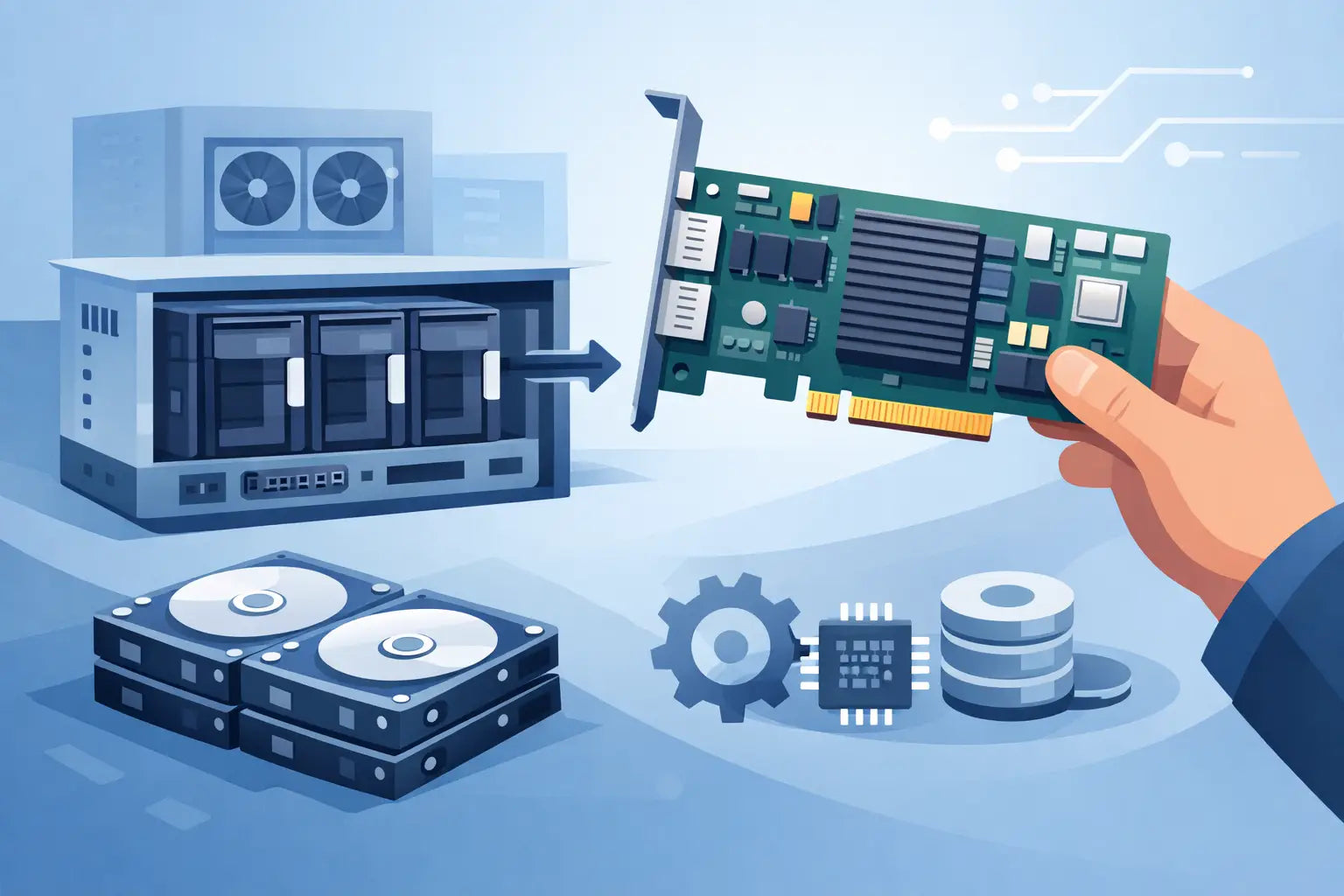
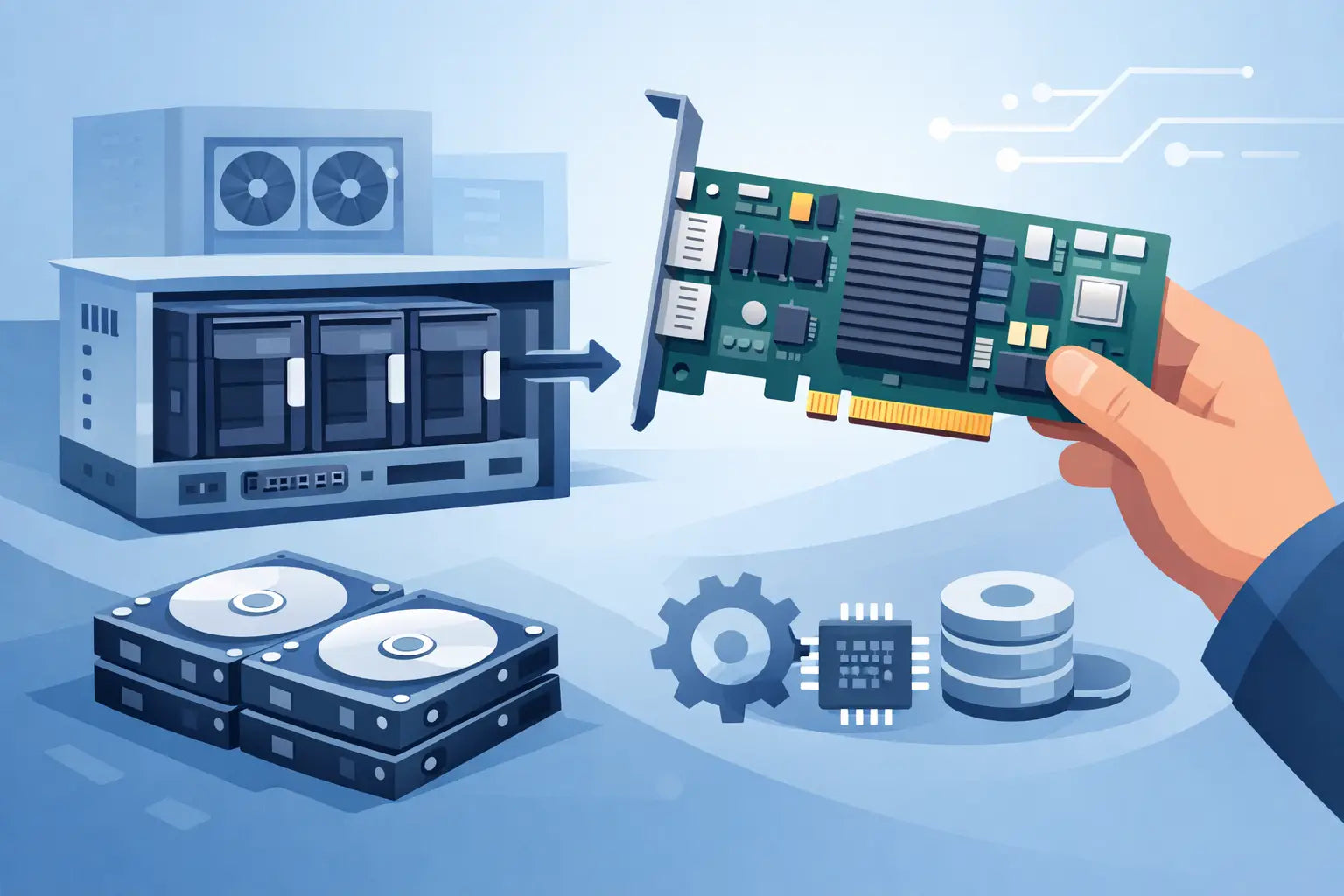
If you are working out how to install RAID controller hardware in a production server, the job is usually less about physically fitting the card and more about getting the right controller, slot, cables and firmware alignment before the lid comes off. That matters most on HPE Gen9 and Gen10 or Dell PowerEdge platforms, where a controller can be mechanically compatible but still wrong for the backplane, drive type or intended RAID level.
For most buyers and engineers, the real risk is not the install itself. It is ordering a Smart Array or PERC card that does not match the chassis, omitting the cache module or battery-backed component where required, or assuming the existing SAS cable loom will fit the replacement controller. A clean install starts with platform validation.
Before you install a RAID controller
Start with the server model, generation and backplane layout. On HPE systems, that means checking whether you are dealing with an embedded Dynamic Smart Array, a Flexible Smart Array controller or a PCIe Smart Array card. On Dell, confirm whether the system expects a mini mono PERC, an adapter card or a full-height PCIe controller. The difference affects mounting, cable routing and whether the controller connects directly to the motherboard or through standard expansion slots.
Drive type matters as well. SAS and SATA support is common, but not universal in the same way across all controller generations. If the server is running mixed storage or you intend to add SSDs for cache or performance tiers, verify controller support for the exact media and negotiated interface speed. It is also worth checking whether any existing RAID metadata on the disks will be retained, imported or overwritten when the new controller is detected.
You should also confirm the practical details that tend to cause delays on site: bracket type, cache module presence, capacitor or battery condition, SAS cable type, and available airflow clearance. Refurbished enterprise hardware is often the right commercial option, but only if the part numbers line up properly with the server estate.
How to install RAID controller cards correctly
Power the server down cleanly and remove it from mains power. If the server has dual PSUs, disconnect both feeds. Give the system a minute for standby power to discharge, then use standard anti-static precautions before opening the chassis.
At this stage, inspect the current storage path rather than rushing straight to fit the card. Trace the cables from the drive backplane to the existing controller or motherboard ports. On many tower and rack servers, the previous controller setup tells you whether you can reuse the cable assembly or whether a different connector arrangement will be needed. Mini SAS HD, SFF-8087 and platform-specific internal connectors are not interchangeable just because they appear similar at first glance.
If you are replacing an existing controller, note the slot position and cable orientation before removal. Take a quick photo if the server has a dense internal layout. Remove any retention clips, disconnect cache or capacitor leads if fitted, and withdraw the old controller carefully to avoid stressing the PCIe slot.
When fitting the new controller, choose the slot recommended by the server vendor where possible. Electrically, a controller may work in several PCIe slots, but airflow, lane allocation and cable reach are often designed around one preferred location. Seat the card fully and secure it with the correct retainer or screw. A partially seated RAID card can produce symptoms that look like firmware failure or dead hardware.
Connect the SAS cable or backplane loom firmly. Most storage issues after installation come from cabling rather than from the controller itself. The connector should engage positively without forcing it. If the card includes cache and a power backup module, install those components exactly as specified for the controller model. On HPE Smart Array units and Dell PERC cards, cache functionality may be limited or disabled if the associated capacitor or battery module is absent or failed.
Platform-specific points for HPE and Dell
On HPE ProLiant servers, pay close attention to whether the controller is designed for the dedicated FlexibleLOM-style storage position or for a standard PCIe expansion slot. Some Smart Array controllers are mechanically and electrically intended for specific chassis arrangements. The presence of a Smart Storage Battery or capacitor pack is also common, particularly where write cache is enabled.
On Dell PowerEdge systems, the distinction between a PERC mini mono card and an adapter card is critical. A mini mono controller mounts directly to the planar or a dedicated internal connector, while an adapter card uses a conventional expansion slot. Ordering the wrong format is a common cause of avoidable downtime during maintenance windows.
In both cases, confirm that the server BIOS, iDRAC or iLO firmware, and controller firmware are at sensible revision levels. You do not always need to update everything before first boot, but installing a significantly newer or older controller into a server with outdated firmware can create unnecessary troubleshooting work.
First boot checks after the install
Once the card is fitted and the chassis is closed, reconnect power and boot into the server firmware environment. Watch the POST sequence carefully. The controller should initialise, enumerate the attached drives and report any existing logical volumes or foreign configurations.
If the card is not detected at POST, the first checks are straightforward: reseat the card, verify slot support, recheck power and cache module connections, and inspect the SAS cabling. If the card appears but no drives are shown, the issue is normally cable path, backplane compatibility or incorrect controller mode rather than a failed controller.
Where disks already contain RAID metadata, the controller may prompt to import a foreign configuration. This is the point where caution matters. If you are migrating arrays between controllers, do not clear metadata unless you are certain the virtual disk is no longer required. Importing the foreign configuration is usually the correct route when preserving an existing array, but mixed-controller migrations can vary by model and generation.
Configure the array only after validation
After hardware detection, move into the controller utility or server lifecycle management interface to validate the storage topology. Confirm the physical drives, interface speeds and any cache status before you create or alter logical drives.
For a fresh deployment, define the RAID level based on workload rather than habit. RAID 1 or RAID 10 suits lower-latency and more write-intensive workloads. RAID 5 or RAID 6 may make more sense where capacity efficiency matters, but rebuild times and fault tolerance need to be considered against drive size and operational risk. Larger spinning disks change the economics of parity RAID compared with older server estates.
If the server will host a hypervisor, SQL workload or line-of-business VM stack, it is worth checking stripe size, read/write policy and cache settings against the intended use case. Default settings are not always wrong, but they are not always optimal either. On refurbished platforms especially, you want to confirm that cache is actually enabled and healthy rather than assuming the controller is performing to specification.
Common mistakes when installing a RAID controller
The most common installation error is assuming controller compatibility by brand rather than by exact part number. A Dell PERC from one generation may not be suitable for another PowerEdge platform, and the same applies to HPE Smart Array families across Gen8, Gen9 and Gen10 estates.
The second is overlooking the cable set. Plenty of controller upgrades stall because the card arrived but the correct internal SAS lead, mini mono connector assembly or backplane cable did not. A third frequent issue is fitting the controller successfully but leaving firmware and array import checks until after the maintenance window has started to overrun.
There is also the question of whether you need a hardware RAID controller at all. In some environments, HBA mode and software-defined storage may be the better fit. If the objective is direct disk presentation for a storage appliance or hyperconverged stack, a traditional RAID controller can be the wrong choice. It depends on the application, the support model and whether you need hardware-backed array management.
When replacement is better than upgrade
If the existing controller is old enough that cache modules, batteries or compatible cables are difficult to source consistently, replacing the entire storage path with a newer supported controller can be more sensible than trying to preserve a marginal setup. That is particularly true where the server still has useful life left but the installed controller has become the weak point.
For UK businesses managing mixed HPE and Dell estates, a tested refurbished controller can make commercial sense provided the exact compatibility is confirmed in advance. KahnServers typically sees this where customers need to extend the life of production hardware without paying new OEM pricing for legacy storage components.
A RAID controller install is usually straightforward once the specification work is done properly. Get the part number, mounting format, cable path and firmware position right first, and the physical install becomes the easy part. That is the difference between a short maintenance task and an afternoon spent tracing why a healthy array has suddenly disappeared.